![white logo.png]](https://faq.procurementexpress.com/hs-fs/hubfs/white%20logo.png?height=46&name=white%20logo.png)
Create, edit, or archive your budget custom fields.
You need to have the Company Admin user role to create, edit, or archive budget custom fields.
- Click on your initials in the top right and navigate to Settings
- Navigate to the budgets tab
- Scroll down to see the budget custom fields section

- Click on the edit icon to make changes to existing fields, or add new a new field
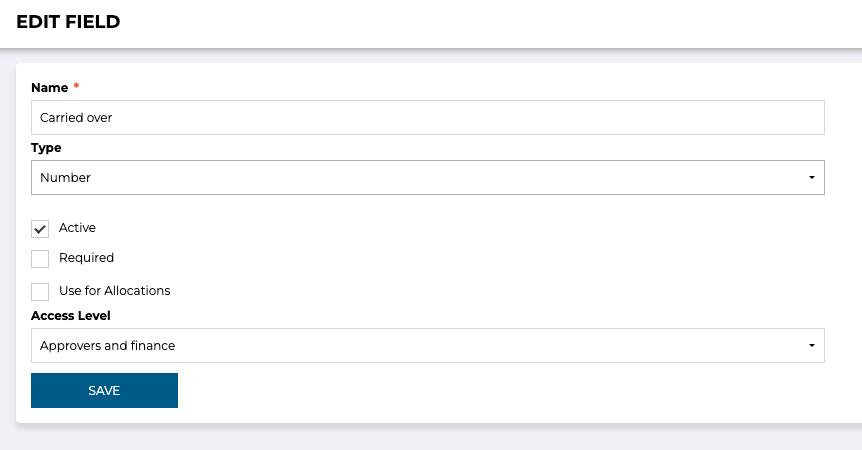
- You can change the field type, if it's required or not, and which user roles can access it
- Remember to save any changes