![white logo.png]](https://faq.procurementexpress.com/hs-fs/hubfs/white%20logo.png?height=46&name=white%20logo.png)
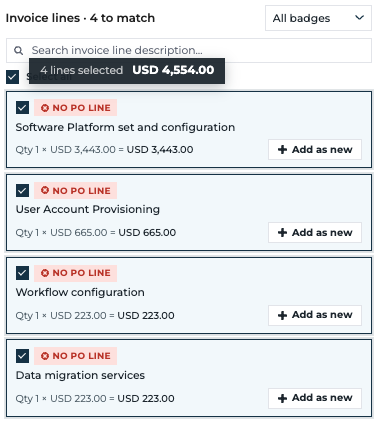
A blanket purchase order covers many invoices over time. When you receive an invoice with several lines that all belong to a single blanket PO line, Scan & Match can link them in one click.
- Open the invoice in Scan & Match (go to the Invoice Inbox, then open the matching view for your invoice).
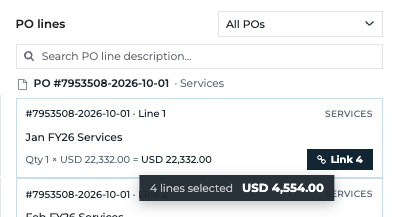
- Find the blanket PO line that should cover this invoice. It is the line that will draw down against the invoice.
- Click "Allocate all N lines" on that PO line (N = the number of lines on your invoice).
- The invoice lines are matched to the blanket PO line automatically — you don't need to select each line first.
- Click the usual update/confirm action to save the match.
The "Allocate all" action only appears when the PO line is the only open line across all candidate POs and its remaining value covers the whole invoice.
The PO line shows "Billed … · Remaining …" so you can see the blanket PO being drawn down as invoices are matched.
Prices on a blanket invoice often differ from the PO by design, so the AI banner tells you to use this allocation instead of expecting an exact match.